The icon repository
for design teams.
A shared icon library your whole team contributes to from Figma. Publish one font file; CSS controls every colour.
Free. No credit card. Works with any Figma file.
Designers
in Figma

Hue Type
the icon repo
One font file
every product
font-palette rule recolours every icon, everywhere, at once.
Pick a palette.
Recolour every icon.
One CSS rule swaps the whole icon set — no re-export, no JavaScript. This is the real COLRv1 font, running live on this page.
/* "Brand" — what you just clicked */@font-palette-values --my-icons {font-family: MyIcons;override-colors:0 #e2ec5b,1 #7c6af5,2 #ff6b9d;}.icon { font-palette: --my-icons; }
Like what you see? Build your own icon font with your colours →
Every team has an icon library.
Almost none of them work.
Finding the right icon takes longer than drawing a new one — so people draw new ones. This is icon drift, the core failure of design system icon management: the library fragments and brand consistency erodes.
Hue Type makes the repo the fastest path to any icon.
One shared icon library.
Every team, always in sync.
A Figma icon export workflow your whole team shares — not a library that drifts or a folder of SVGs no one maintains. A versioned font that's either current or it isn't.
Every team contributes.
Every product consumes.
One shared icon repository — fed by your whole design team, used by every product you ship.
Teams
Web team
4 designers
Mobile team
3 designers
Marketing team
2 designers
Contribute via Figma plugin
Hue Type repo
All glyphs · always in sync
Products
Website
font-family: MyIcons
iOS app
font-family: MyIcons
Slides
font-family: MyIcons
Figma
font-family: MyIcons
Consume via one font file
9
designers
1
shared repo
1
font file
∞
products served
Build a Figma icon font.
Right from the canvas.
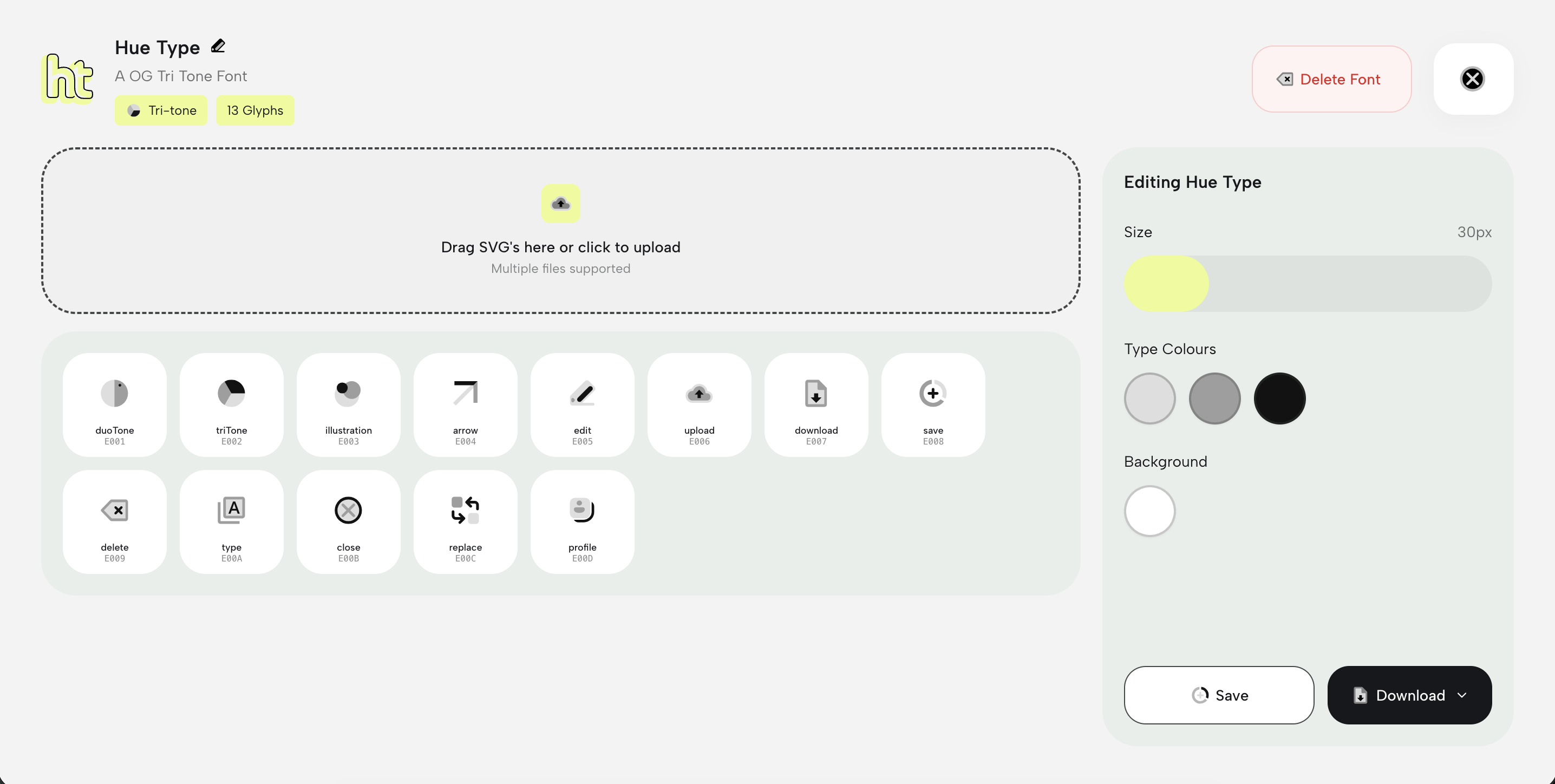
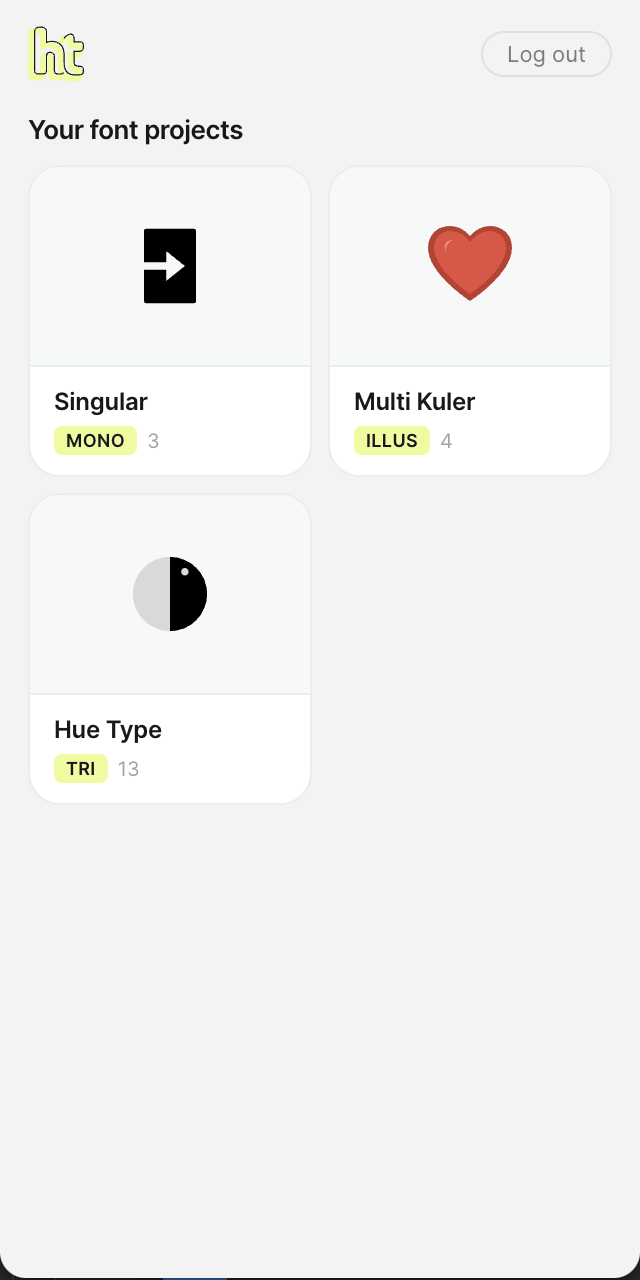
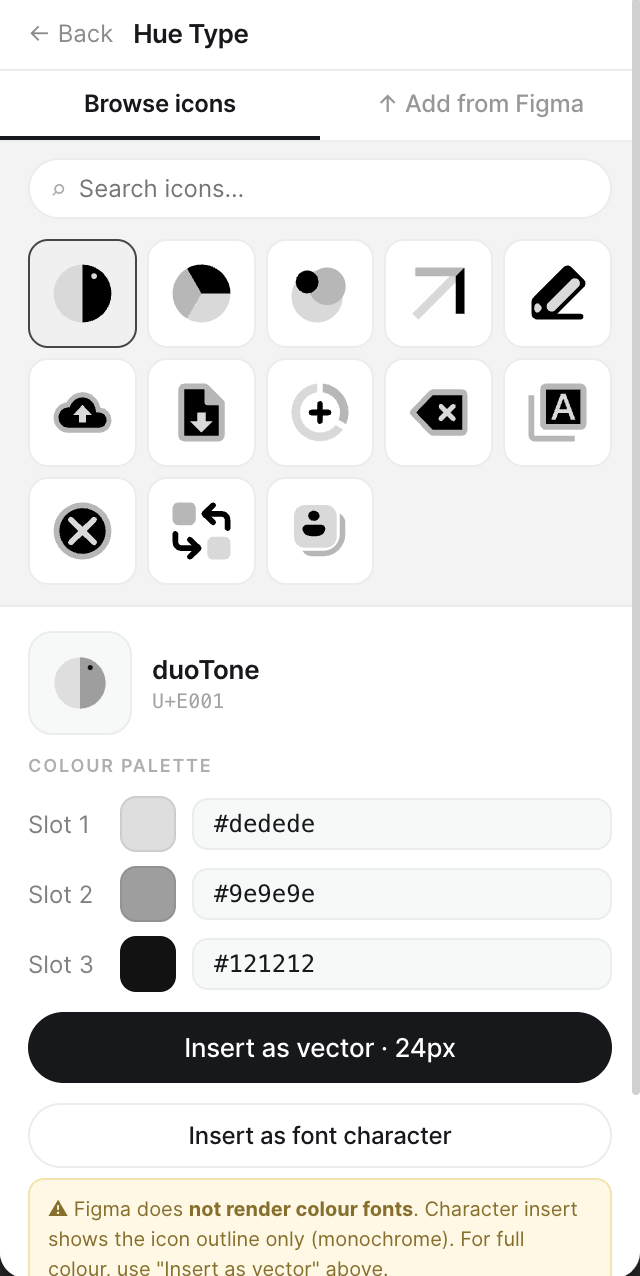
The icon font Figma plugin pushes icons into the shared repo — and pulls finished glyphs back onto the canvas.
Select & export
Pick icon frames. The plugin exports clean SVG.
Contribute
Push to the shared repo with the team token.
Pull or install
Insert glyphs, or install the published font.
Every icon, same version.
Every team, every time.
One font file makes design system icon consistency structural — not a process you enforce. There's no "slightly different version," so icon drift disappears.
1 file
deployed everywhere
1 CSS rule
recolours everything
Figma-native
no manual export
Know what changed.
Control what ships.
Icon governance for your design system, built in: designers contribute, the team lead reviews and publishes. One export, no approval tickets.
Contribute
→Review
→Publish
→Deploy
Your AI assistant
already knows it.
Tell Cursor, Copilot or Claude Code "use font-family: MyIcons"— every icon is instantly available, because there's one place to look.
A design token icon font. SVG files are not.
/* In your design tokens */--icon-font: "MyIcons";/* AI-generated — works first time */.nav-icon {font-family: var(--icon-font);font-palette: var(--theme);}
One file. Every colour your system needs.
Convert SVG to an icon font once: a COLRv1 icon font where font-palette CSS controls colour at runtime — dark mode, brand variants, themes. ~30× smaller than SVG sprites.
@font-palette-values --dark {font-family: MyIcons;override-colors: 0 #E2E8F0;}
Recolour without re-exporting
One declaration handles dark mode, brand themes and hover states — natively, no JS.
Chrome 98+ · Firefox 107+ · Safari 15.4+ · ~72% global


Works in every browser, design tool, deck and doc you already use.
Simple, honest pricing
A free icon font generator to start — upgrade when your team needs more.
Free
- 3 projects · 10 icons each
- COLR/CPAL v1 colour fonts
- CSS palette control
- Figma plugin access
Pro
$6.58/mo · save $29
- Unlimited projects & icons
- TTF + WOFF + OTF export
- 7-day free trial
- Cancel anytime
Billed via Lemon Squeezy · Cancel anytime · No card for free plan
"200+ icons. 4 brand colours. Dark mode. The answer was supposed to be 5 SVG sprite files. I built Hue Type because that answer was wrong."
Start your icon
repository today.
Free. Figma-connected. Built for design teams.